Assistant
Kagi Assistant is a product feature backed by Kagi Search and large language models.
Kagi Assistant is currently in open beta only available to Ultimate plan members.
Assistant Modes
Research
Research assistant uses Kagi search and external sources like Wolfram Alpha, together with an AI model to answer your queries. This model also allows you to upload a file (up to 8 MB) or provide a URL (article, PDF, video, podcast, etc.) to use as context. If an image is provided it will be processed using GPT4 Vision.
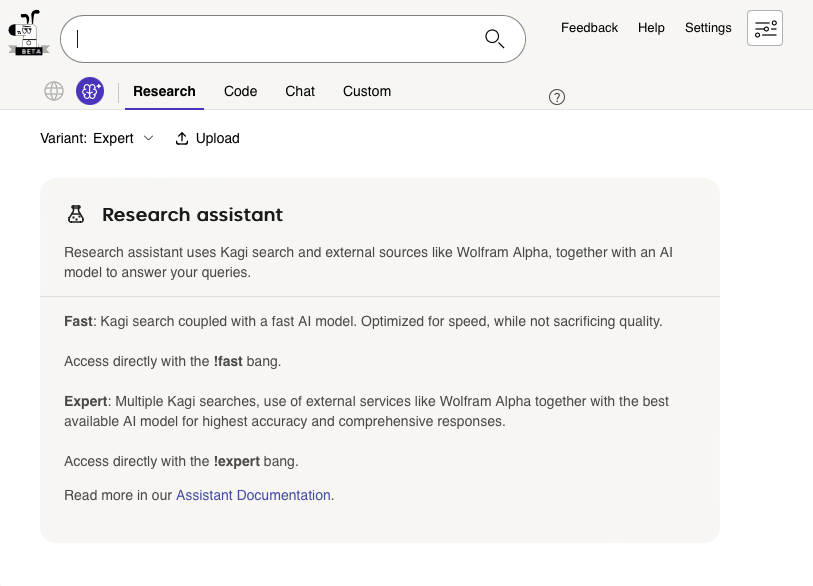
This mode is available in two variants:
Fast: Kagi search coupled with a fast LLM (claude-instant). Optimized for speed, while not sacrificing quality. Access directly with the!fastbang.Expert: Multiple Kagi searches (and external services) together with the best available LLM (claude-2) for the highest accuracy and comprehensive responses. Access directly with the!expertbang.
Code
Code assistant is tuned for programming tasks and uses a powerful AI model for programming.
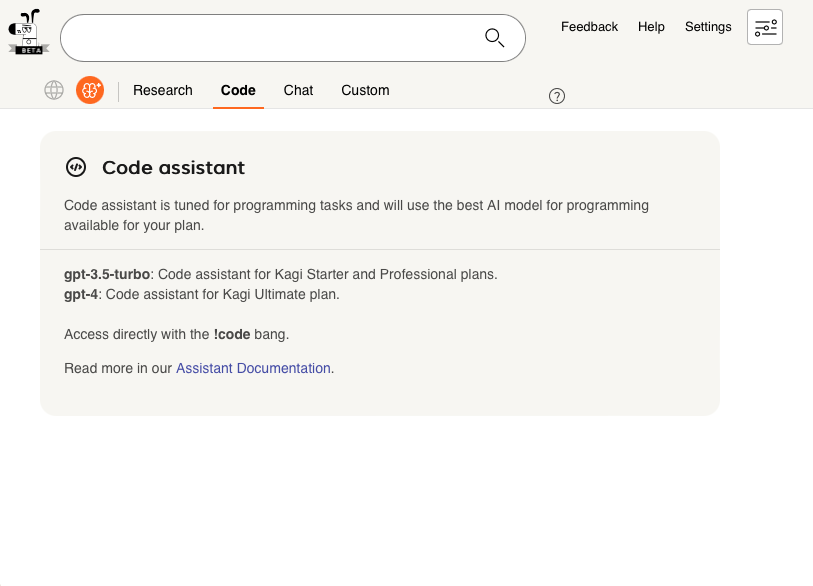
For Starter and Professional members this mode uses gpt-3.5-turbo, and for Ultimate members it uses gpt-4.
Access directly with the !code bang.
Chat
Chat assistant allows direct access to a variety of large language models for creative tasks.
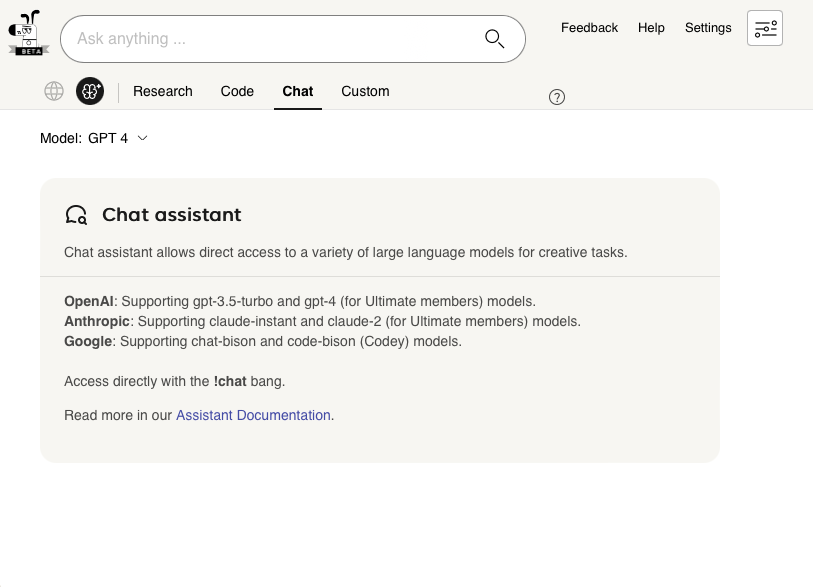
This mode supports the following models:
- OpenAI
gpt-3.5-turbogpt-4(for Ultimate members)gpt-4-turbo(for Ultimate members)
- Anthropic
claude-instantclaude-2(for Ultimate members)
- Mistral AI
mistral-medium(for Ultimate members)
Access directly with the !chat bang.
Custom
Custom assistant allows you to further customize one of the existing modes.
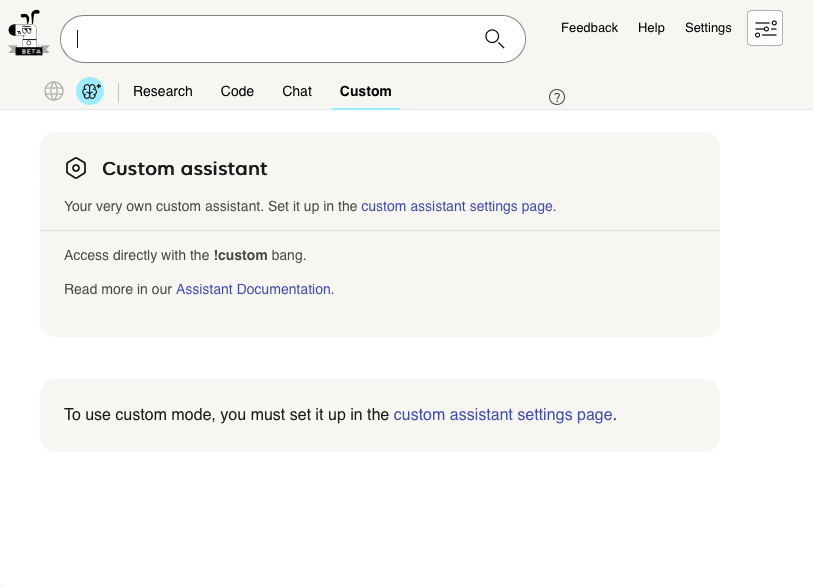
Select the base mode (and variant/model where applicable) and add your own custom instructions. Setup is detailed in the Assistant settings help page.
Access directly with the !custom bang.
Tips and Tricks for using Kagi Assistant
- Assistant has a character limit of 6,000 for each prompt in a conversation.
- You can input math equations using the LaTeX format.
- Using the copy button will copy the response to your clipboard preserving any formatting using markdown.
- Assistant supports syntax highlighting in generated code snippets.
- For optimal results, interact with the Assistant in a natural language. For instance, "Who was Alan Turing?" will yield a better response than simply "Alan Turing".
- When using Code Assistant, it is recommended to specify the programming language you are using as part of your prompt.